Free on iPhone, iPad and Android
Pupilla — the eye exam simulator, in your pocket
Examine a virtual patient with real clinical tools, master retinoscopy and refraction, read OCT scans and explore the eye in 3D — 56 simulated conditions, every simulator, in English and Arabic. Free on the App Store and Google Play.
iPhone · iPad · Android phones and tablets

Why students and clinicians use it
A real virtual patient
Shine the penlight, cover an eye, hold up a prism or sweep a retinoscope — the eyes respond according to the underlying physiology, not a scripted animation.
56 clinical conditions
RAPD, Horner, Adie and Argyll Robertson pupils, cranial nerve III, IV and VI palsies, INO, gaze palsies, nystagmus, tropias, phorias, Duane and Brown syndromes.
Built for OSCE practice
Practise the sequence examiners expect, then check yourself with case quizzes, clinical questions and timed assessments.
English and Arabic
The whole interface and the learning guides switch between English and Arabic, with full right-to-left layout.
Your progress, everywhere
Sign in with Apple on iPhone, Google on Android, or e-mail, and the same account, progress and results follow you between the app and the website.
Free
The app is free to download, and the simulators are free to use.
What is inside
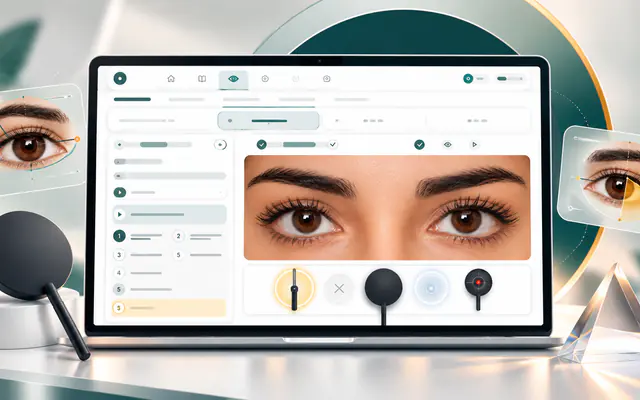
Eye Exam Simulator
Pupils, cover tests, Hirschberg and Krimsky, H-test ductions and versions.
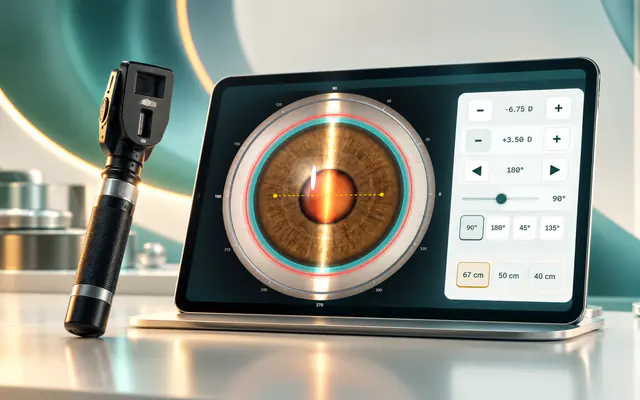
Streak Retinoscopy
Find the reflex, neutralise with/against motion and read the refraction.
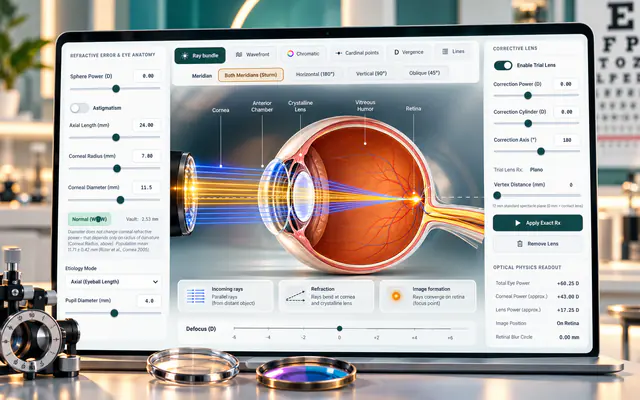
Refraction
Trial lenses, astigmatism and Sturm’s conoid, step by step.
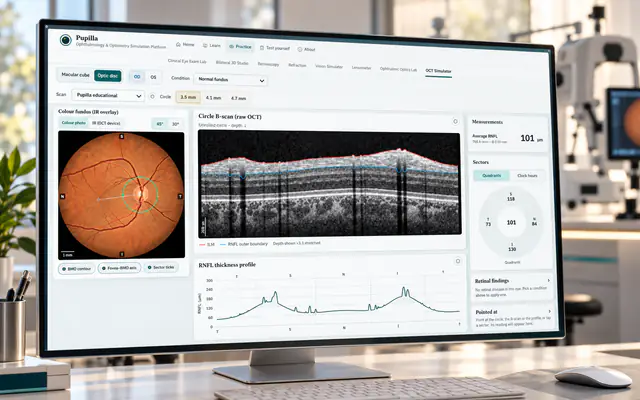
OCT Learning & Practice
Retinal and optic-nerve-head scans, layers and disease patterns.
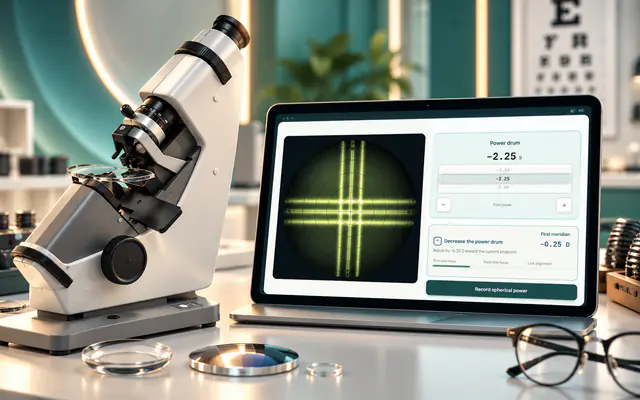
Lensometer
Focus the mires and read sphere, cylinder and axis like the real instrument.
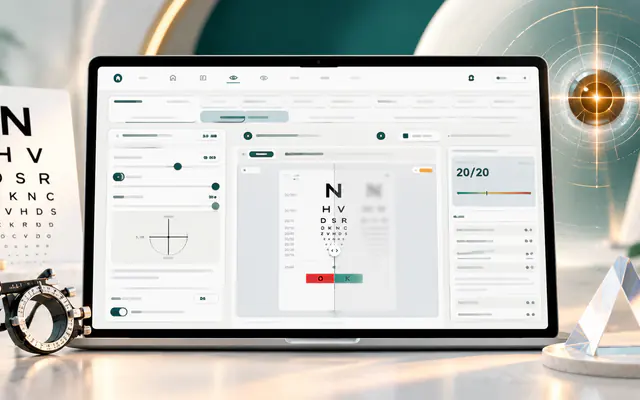
Vision Simulator
See what the patient sees, with logMAR and Snellen readouts.
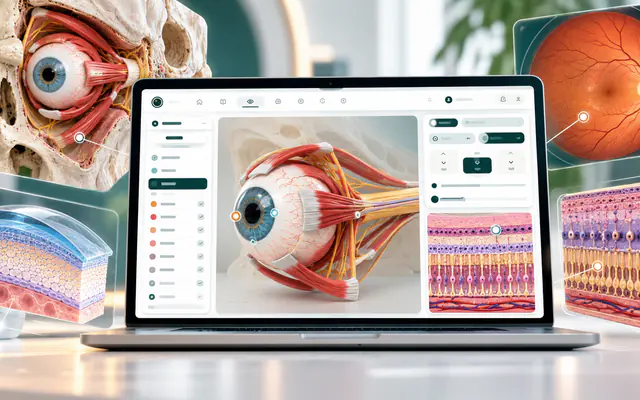
3D Eye Anatomy
Rotate the eye and orbit, with labelled structures and extraocular muscles.
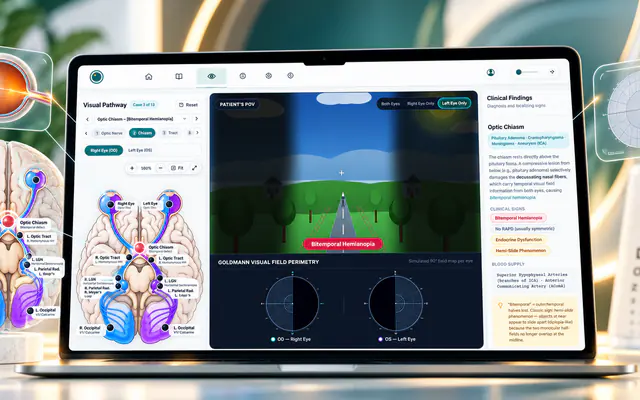
Visual Pathway
Place a lesion and watch the visual field defect it causes.
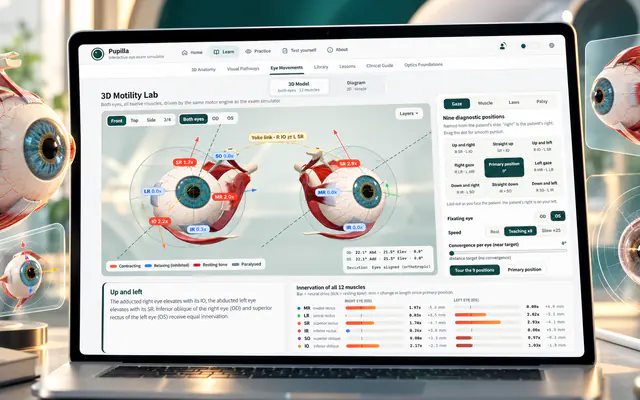
Binocular 3D Eye Movements
Gaze, muscle actions and the nine diagnostic positions.
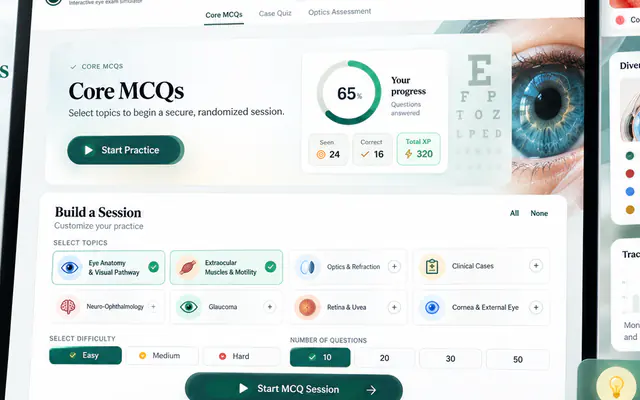
Clinical Questions & Assessment
Case-based questions with feedback and mistake review.
Get started in a minute
- Tap the App Store or Google Play button on this page — on a phone it opens the store directly.
- Install Pupilla and open it. Pick English or Arabic.
- Choose a simulator and start examining. Sign in only when you want to save progress.
Questions about the app
Is the Pupilla app free?
Yes. Pupilla is free to download on the App Store and Google Play, and the simulators are free to use.
Which devices does the Pupilla app support?
Pupilla is available for iPhone and iPad on the App Store and for Android phones and tablets on Google Play. On a computer, use it in any modern browser at pupillalab.com.
Is the app different from the website?
The app has the same simulators, content and account as the website, in a native app with its own navigation. Progress saved while signed in is shared between the two.
Is the app available in Arabic?
Yes. The interface and the learning guides are available in English and Arabic, with full right-to-left layout.
Who is the Pupilla app for?
Optometry and medical students, ophthalmology residents, orthoptists, optometrists, ophthalmologists and educators who want to practise or teach the eye exam. It is an educational simulator, not a medical device, and it is not for diagnosing patients.